

PRACTICAL OUTREACH
SMTP Ports: Choose 465, 587, 25, or 2525 Correctly
Choose SMTP ports and TLS settings for your provider. Diagnose connection failures without confusing submission with delivery.
Read article ↗TRANSMITINBOX / BLOGS
Start with a specific problem. These 49 guides cover setup, delivery issues, and responsible outreach for teams serving North America and Europe.
Free practical worksheets · How we prepare these guides
PRACTICAL OUTREACH
Choose SMTP ports and TLS settings for your provider. Diagnose connection failures without confusing submission with delivery.
Read article ↗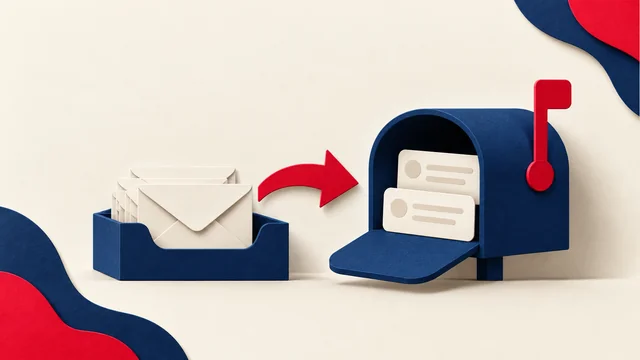
PRACTICAL OUTREACH
Understand sending versus mailbox access, check supported connections, and test that replies reach the team and stop follow-ups.
Read article ↗
PRACTICAL OUTREACH
Understand SMTP relay roles, provider selection, secure submission, and delivery events before connecting a campaign or application.
Read article ↗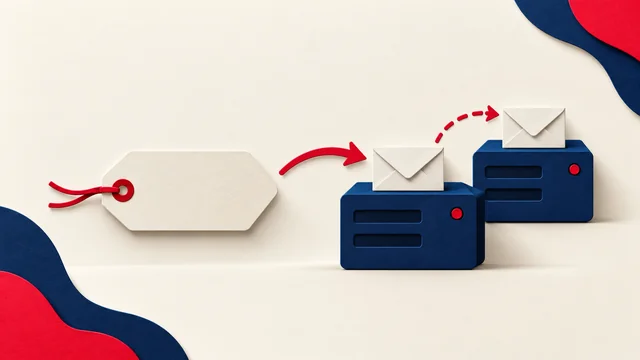
PRACTICAL OUTREACH
Understand MX routing, inspect incoming mail settings, and verify mailbox migrations without disrupting replies or delivery events.
Read article ↗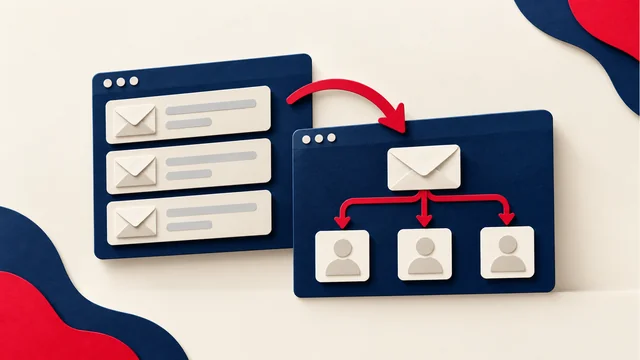
PRACTICAL OUTREACH
Compare MailWizz and Mautic by campaign workflow, delivery events, maintenance, support, and total operating cost.
Read article ↗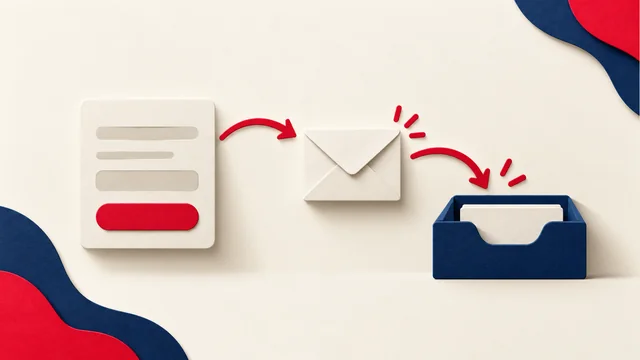
PRACTICAL OUTREACH
Build a permission-based newsletter list with clear signup promises, confirmation, source records, and effective preferences.
Read article ↗
PRACTICAL OUTREACH
Plan email timing around recipient time zones, useful outcomes, team coverage, and comparable tests rather than universal benchmarks.
Read article ↗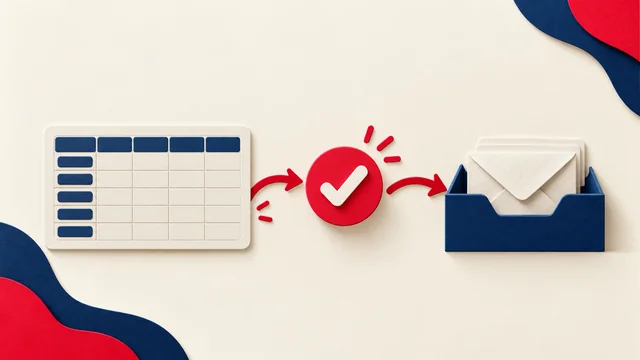
PRACTICAL OUTREACH
Prepare Excel contacts for reviewed email workflows. Check supported tools, exclusions, personalisation, progress, and reply handling.
Read article ↗
PRACTICAL OUTREACH
Check From, Reply-To, mailbox routing, and shared inbox settings to find missing email replies and keep conversations with the right owner.
Read article ↗
PRACTICAL OUTREACH
Plan a cold email tool migration that preserves exclusions, reply ownership, and sequence progress. Test the move before restarting outreach.
Read article ↗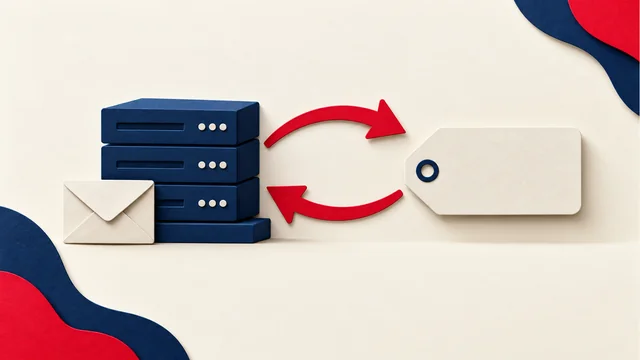
PRACTICAL OUTREACH
Check your sending IP, PTR hostname, and forward DNS match. Find out who controls reverse DNS and what to verify after a server change.
Read article ↗
PRACTICAL OUTREACH
Use seed lists to investigate inbox placement, match tests to your sending route, and interpret results without overstating what they prove.
Read article ↗
PRACTICAL OUTREACH
Learn how to read DMARC aggregate reports, identify sending sources, spot alignment failures, and turn report findings into practical fixes.
Read article ↗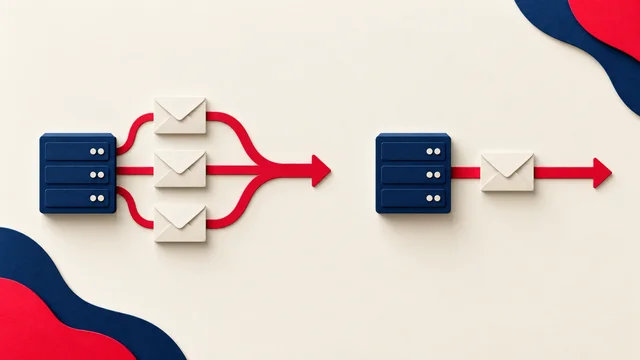
PRACTICAL OUTREACH
Compare shared and dedicated sending IPs by traffic patterns, monitoring, cost, and responsibility before changing your email infrastructure.
Read article ↗
PRACTICAL OUTREACH
Understand temporary SMTP failures, read complete delivery responses, and manage queued email without duplicate sends or blind retries.
Read article ↗
PRACTICAL OUTREACH
Check Outlook.com sender requirements, authentication alignment, and rejection errors before changing your cold email setup.
Read article ↗
PRACTICAL OUTREACH
Understand catch-all email results, why verification cannot confirm every mailbox, and how to review uncertain contacts before sending.
Read article ↗
PRACTICAL OUTREACH
Set up Google Postmaster Tools, understand missing data, and use Gmail reports to investigate delivery problems without guessing.
Read article ↗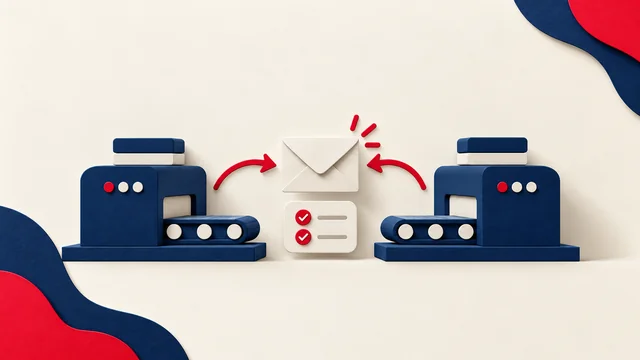
PRACTICAL OUTREACH
Compare SendGrid and Brevo by permitted use, integrations, audience management, total cost, and the work your team must handle.
Read article ↗
PRACTICAL OUTREACH
Compare Instantly and Smartlead through reply handling, exclusions, team access, regional scheduling, and the full cost of your workflow.
Read article ↗
EMAIL INFRASTRUCTURE
Understand what KumoMTA does, what it does not replace, and the operational responsibilities of running your own email delivery infrastructure.
Read article ↗
PROVIDER SELECTION
The familiar mailbox isn’t always the right campaign setup. Compare permitted use, replies, failures, administration, and the full cost.
Read article ↗
MEASUREMENT
A busy dashboard isn’t the same as a useful campaign. Connect failures, recipient feedback, and real conversations to the next decision.
Read article ↗
CAMPAIGN STRATEGY
What does the next message add? Plan useful follow-ups, leave time to respond, and check that the sequence stops when it should.
Read article ↗
EMAIL INFRASTRUCTURE
Compare KumoMTA and PowerMTA by configuration, support, operating cost, monitoring, and migration requirements—not inbox-placement promises.
Read article ↗
LIST HYGIENE
Before uploading an old spreadsheet, check the history behind it. Plan a relevant restart for the people you may appropriately contact.
Read article ↗
DOMAIN RECOVERY
A new domain can carry the old problem with it. Check what failed, what you can repair, and which business conversations need protecting.
Read article ↗
TRACKING & CONTENT
Look at what the sending tool adds to your message. Test pixels, links, and formatting separately before deciding which part is causing trouble.
Read article ↗
COMPLIANCE
Can you send that business introduction? Work through the audience, data source, and relevant rules before relying on an unsubscribe footer.
Read article ↗
EMAIL SETUP
You may need fewer accounts than a setup package suggests. Start with real sender identities, workload, and the rules of the service you use.
Read article ↗
SENDING OPERATIONS
An improving score doesn’t settle when to launch. Separate gradual real sending from automated exchanges and ask what each result actually shows.
Read article ↗
SENDER REQUIREMENTS
Check the authentication and unsubscribe setup behind your campaign. Understand which Gmail and Yahoo requirements apply before treating “sent” as success.
Read article ↗
CAMPAIGN OPERATIONS
A stop request should stop the next message. Check that replies, unsubscribe events, and exclusions carry across the tools you use.
Read article ↗
PRACTICAL OUTREACH
Build cold email automation with eligibility checks, shared exclusions, reply handling, regional scheduling, and clear pause conditions.
Read article ↗
PRACTICAL OUTREACH
Use AI to draft relevant cold email without inventing facts. Review evidence, regional language, privacy, and audience eligibility.
Read article ↗
AUDIENCE PLANNING
A broad list makes the first email harder to write. Group contacts around a shared need, then use their replies to improve the next list.
Read article ↗
PRACTICAL OUTREACH
Separate audience relationships from sending volume. Choose appropriate tools and review eligibility, provider policies, and campaign metrics.
Read article ↗
PRACTICAL OUTREACH
Three original cold email structures with guidance on relevance, follow-ups, regional language, accurate claims, and pre-send checks.
Read article ↗
SENDING OPERATIONS
Before choosing a daily number, look at the whole queue and who will handle replies. Build a sending plan you can monitor and pause.
Read article ↗
EMAIL SETUP
The records are published, but authentication still fails. Check the received message and the service that sent it before copying another DNS value.
Read article ↗
ACCOUNT SAFETY
Find out who restricted the account and what still works. Gather the right support details, then test the setup before restarting.
Read article ↗
CAMPAIGN PLANNING
A quiet inbox doesn’t explain itself. Check the audience, offer, and actual replies before making the follow-up sequence longer.
Read article ↗
CAMPAIGN MEASUREMENT
Before rewriting the subject, check what your tool counts as an open. Delivery errors and real replies may tell a different story.
Read article ↗
DELIVERABILITY
Check what is actually listed, who controls it, and whether it explains the rejection. Then follow the operator’s process for the right item.
Read article ↗
LIST QUALITY
A bad address and a policy rejection need different fixes. Read the error before deleting contacts or retrying the campaign.
Read article ↗
DELIVERABILITY
The platform says “sent,” but the messages land in junk. Find out what changed and choose a test that helps explain the problem.
Read article ↗
EMAIL SETUP
The tools are connected. Now test replies, opt-outs, authentication, and the enquiry journey before the first campaign goes out.
Read article ↗
DELIVERABILITY
An invoice lands in junk, but ordinary replies arrive. Start with the app that sent it and work through the clues before changing DNS.
Read article ↗
PLANNING
“Fully managed” can cover different jobs. Compare the scope, ownership, reporting, and full cost before choosing a service.
Read article ↗